Startseite  Erweiterungen MyBB 1.8.x Plugins - Sicherheit Delete Plugin 1.0.0
Delete Plugin
Adds a delete link to each plugin in the plugin manager. An advanced scan shows every file that belongs to the plugin and removes only what you tick, so leftover folders and orphaned data can be cleaned up safely.
Version: 1.0.0
Autor: PARADOX987
Deutsche Übersetzung: noch nicht übersetzt
Hochgeladen: 09.11.2026
Letzte Aktualisierung: 09.11.2026
Support: https://forum.mybb.de/thread-39737.html (0 Beiträge)
Kompatibilität: MyBB 1.8.x
Bisherige Downloads: 0
Autor: PARADOX987
Deutsche Übersetzung: noch nicht übersetzt
Hochgeladen: 09.11.2026
Letzte Aktualisierung: 09.11.2026
Support: https://forum.mybb.de/thread-39737.html (0 Beiträge)
Kompatibilität: MyBB 1.8.x
Bisherige Downloads: 0
Vorschau
A safe, scan-based plugin remover for MyBB 1.8
Delete Plugin adds a Delete link to the Admin CP plugin manager and removes only the
files that truly belong to the selected plugin. It shows a complete scan first, so plugin
files, folders, templates and settings can be cleaned up without leaving orphaned data
behind.
Overview
MyBB can deactivate and uninstall a plugin, but it does not remove the plugin's files or
folders. Delete Plugin fills that gap. It scans the forum for files connected to a
plugin, explains why each file belongs to it, and lets you choose exactly what should be
removed.
The plugin works with both single-file plugins and folder-based plugins, including
plugins that use a nested folder such as inc/plugins/vendor/PluginName.
Key Features
- Delete link in the plugin manager — start a scan directly from the plugin list.
- Advanced file scan — finds plugin files using ownership, code references and
verified file names. - Balanced and Strict modes — choose between a thorough scan or a conservative
scan limited to the plugin folder and files loaded by plugin code. - Full preview before deletion — every file is listed with its size, category and
the reason it will be deleted. - Per-file control — tick or untick any file before confirming the deletion.
- Protected-file report — shows files that will stay on disk and explains why
they were kept. - Optional uninstall routine — runs the plugin's own uninstall function before
its files are removed. - Template and settings cleanup — removes plugin template groups and settings
groups through PluginLibrary. - Empty folder cleanup — removes plugin folders after their contents are deleted.
- Plugin table cleanup — removes the plugin's row from the MyBB plugins table.
- Safe deactivation — deactivates an active plugin and updates the plugin cache
before any file is unlinked. - Protected paths — block folders or files such as uploads, backups, cache
directories or development files. - Extra paths — add files or folders that live outside the plugin folder but
belong to the plugin. - Root script detection — optionally finds entry scripts placed in the forum
root. - Maximum file size limit — prevents accidental deletion of unusually large
files. - Permission controls — separate permissions for deleting plugins, seeing the
Delete link and using the scan page. - No core file edits — integrates through MyBB hooks and the Admin CP.
- Scan — the plugin checks the plugin folder, the plugin entry file and related
code references. - Review — the scan page lists removable files and protected files separately.
- Choose options — run the uninstall routine, remove templates and settings, or
prune empty folders. - Confirm — tick the confirmation box and delete only the selected files.
- Report — the final message shows deleted files, freed space, removed folders
and any files that could not be deleted.
Delete Plugin is designed to fail safely. It will not remove:
- Its own files while it is running.
- MyBB core files.
- PluginLibrary or shared dependencies.
- Files that belong to another plugin.
- Symlinks or files outside the forum root.
- Paths protected in the plugin settings.
- Files larger than the configured size limit.
posted paths are checked against the fresh scan result.
Requirements
- MyBB 1.8.x — compatibility: 18*
- PluginLibrary — must be installed at inc/plugins/pluginlibrary.php
- Admin CP access — with permission to manage plugins and use the Delete Plugin
page - Writable plugin files and folders — the PHP user must be allowed to delete them
- A backup — always recommended before removing plugins or database data
- Upload the DeletePlugin folder to inc/plugins/.
- Upload delete_plugin.php to inc/plugins/.
- Make sure PluginLibrary is installed.
- Go to Admin CP → Configuration → Plugins.
- Install and activate Delete Plugin.
- Open Configuration → Delete Plugin Settings to adjust scan behaviour and
protected paths.
- Open Admin CP → Configuration → Plugins.
- Click Delete next to the plugin you want to remove.
- Review the scan results carefully.
- Untick any file that must stay on disk.
- Select the uninstall, template/settings and folder cleanup options as needed.
- Tick the confirmation box and submit the form.
- Deletion cannot be undone. Keep a full file and database backup.
- Database tables are only removed if the plugin's own uninstall routine drops them and
the uninstall option is selected. - Shared files and external dependencies should be added to the protected paths list.
- The plugin cannot delete itself while it is running. Deactivate it first, then remove
it from the plugin manager. - Review the protected-file list before deleting anything. A file being kept is not an
error; it means the scan found no safe reason to remove it.
- Name: Delete Plugin
- Version: 1.0.0
- Author: PARAD0X
- Website: mybb.epizy.com
- Compatibility: MyBB 1.8.x
Quelle: Delete Plugin bei MyBB.com
Ähnliche Erweiterungen
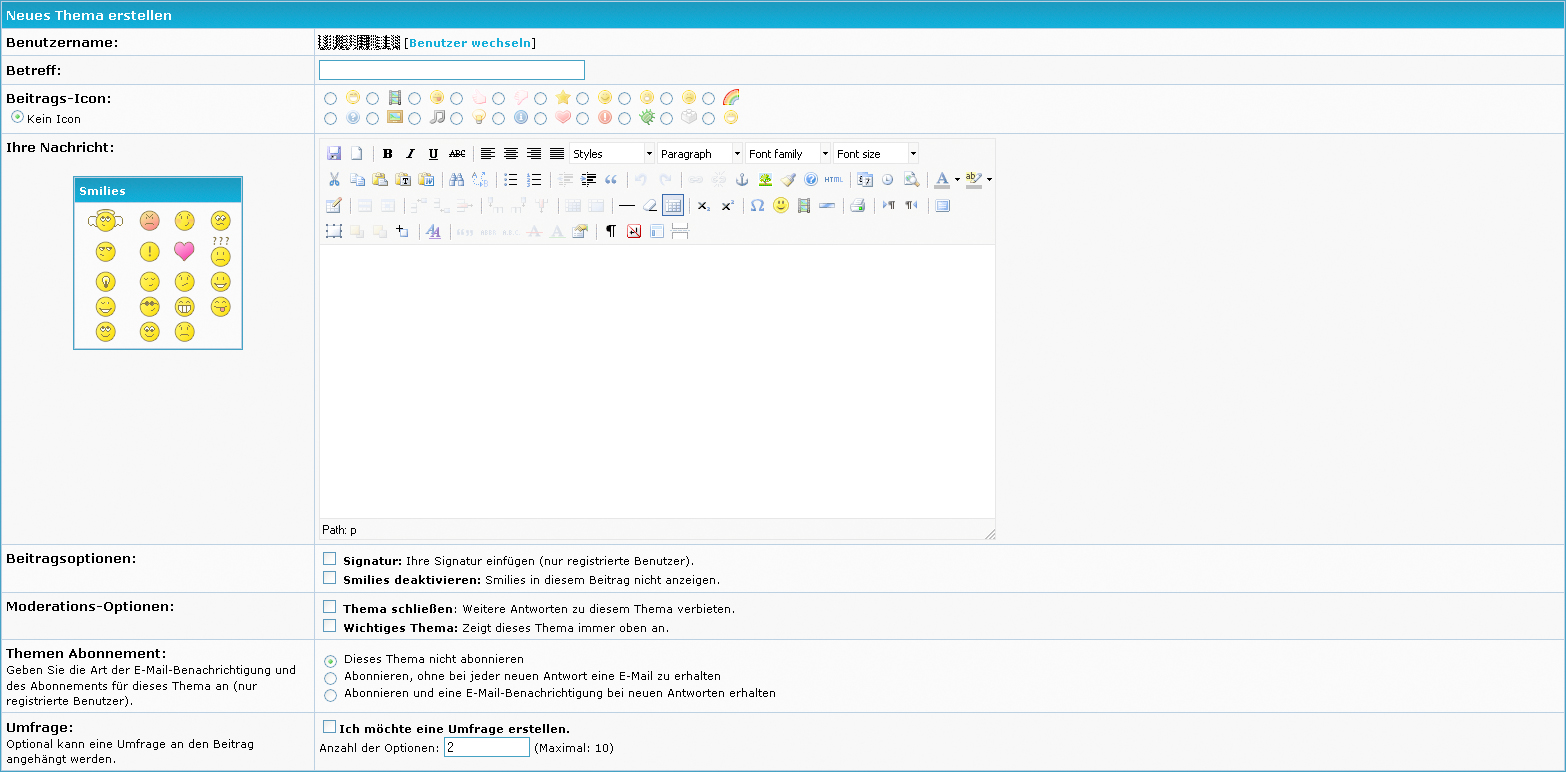
TinyMCE Plugin 1.0.0 von Bimon für MyBB 1.4.x
TinyMCE Plugin für das MyBB von BimonDieses Plugin integriert den TinyMCE Editor in Foren, in denen HTML erlaubt ist.Achtung: Das aktivieren vo...
65 Downloads
TinyMCE Plugin für das MyBB von BimonDieses Plugin integriert den TinyMCE Editor in Foren, in denen HTML erlaubt ist.Achtung: Das aktivieren vo...
65 Downloads
Authentication Plugin 1.0.0 von z3rodaycve für MyBB 1.8.x
Authentication Plugin is an opensource MyBB plugin that allows you to use your MyBB forum as an authentication system for your applications (tools, mods).
40 Downloads
Authentication Plugin is an opensource MyBB plugin that allows you to use your MyBB forum as an authentication system for your applications (tools, mods).
40 Downloads
Tapatalk Plugin for MyBB 1.4 1.0.0 von yellowpeter für MyBB 1.4.x
Tapatalk Plugin for MyBB - Forum API - iPhone, Android, webOS, BlackBerry and Windows Phone 7 access
622 Downloads
Tapatalk Plugin for MyBB - Forum API - iPhone, Android, webOS, BlackBerry and Windows Phone 7 access
622 Downloads